 Take your time.Tómate tu tiempo.
Learn English vocabulary from TV series on Netflix
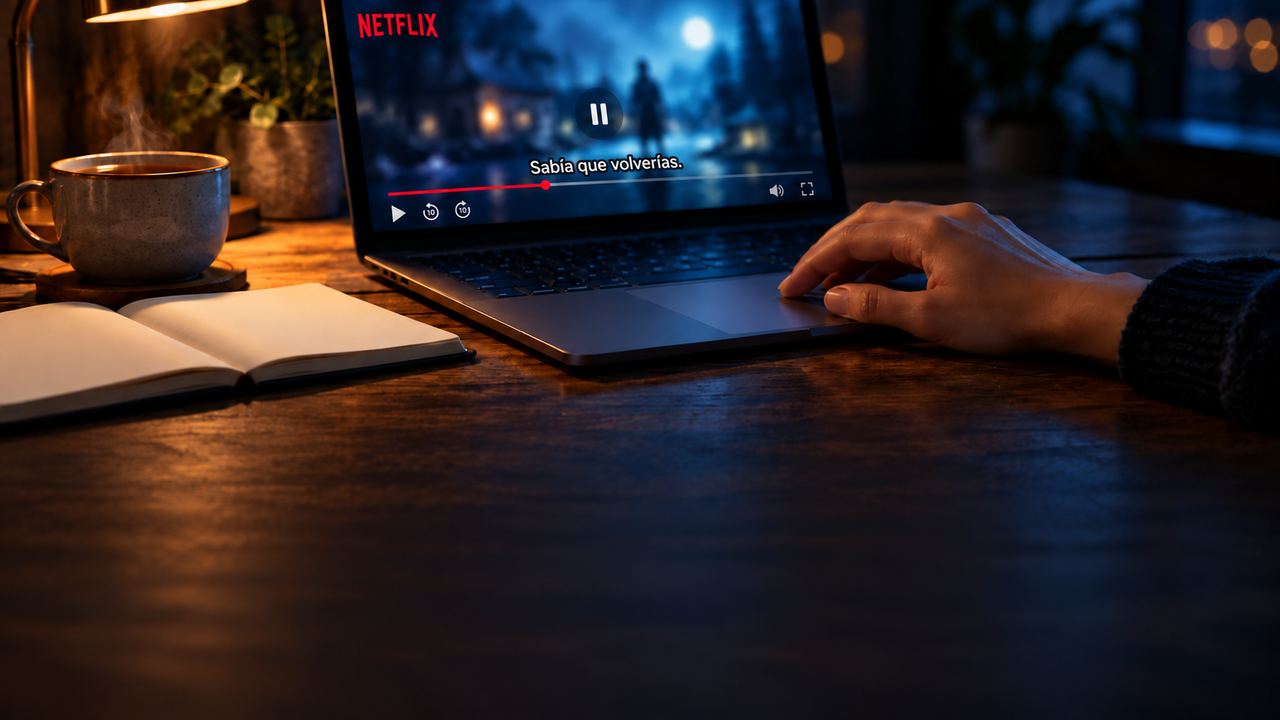
You are watching an episode in English on Netflix with the subtitles on. You follow the story, and then a word you do not know slips past. By the time you decide whether to look it up, the next line is on screen. If you want to learn English vocabulary from TV series, that moment is the whole game: what you do in the two seconds after a word escapes you.
Most people either let the word go, or pause, open a dictionary somewhere else and come back to a scene they have half forgotten. The first loses the word; the second loses the context it came in.
There is a third option, and it is the one Zenyola makes easy: you tap the word, the video waits, you read the entry next to the scene, and you press play.
Learn English vocabulary from TV series: what to do when a word escapes you
With Zenyola the episode shows two subtitle tracks at once: the English line above, the Spanish line below, paired line by line and in time with the video. Both are the tracks Netflix already offers, made by professional translators. The Spanish line is your first clue: often it is enough to guess the word.
When it is not, rest the pointer on the word. A short meaning in your language appears over the scene, and nothing stops: the quick check that lets you keep watching.

When the short meaning is not enough, or the word interests you, tap it. The full dictionary entry opens in a side panel next to the video, and the video pauses. Every word of the line can be tapped, and the tapped line stays at the top of the panel with the word marked.
Why the video waits when you tap a word
Reading and watching are two tasks, and your attention does not do both at once. If the scene keeps moving while you read, you are either missing dialogue or skimming the entry. Pausing on the tap removes the choice: the scene holds still, the entry has your full attention, and play resumes where you left off.
The pause also keeps the scene and the word together. You remember a word better when you can attach it to something: a face, a tone of voice, the thing a character pointed at.
Take an ordinary line like «It's in the middle of the table». If you tap «middle», you read the entry while the table is still on screen. The word is not learned from a list; it is learned from a place.
The replay button next to the tapped line sends the video back to the start of that line, so you hear the actor once more and can say the line out loud. Hearing, reading and saying the same line within a minute is the repetition that makes a word start to stick.
What you find in the dictionary entry
A word is a small set of uses, and the entry shows you which one the line is using. From top to bottom you find:
- The headword and, when the line uses another form, which form it is: tap «going» and the entry tells you it is a form of «go».
- Pronunciation in General American and Received Pronunciation, with IPA symbols and a button to hear each, plus other varieties such as Australian or Scottish when they exist. The guide «How do I read this?» explains each symbol with a sound from a common word.
- The senses grouped by part of speech: noun, verb, article, contraction and so on. Each part of speech opens a short explanation, and marks such as «intransitive», «informal», «dialectal» or «non-standard» open theirs, so you learn when a word fits and when it does not.
- For each sense, the meaning in your language and real example sentences in English with their translation.
- The phrases and multi-word expressions that contain the word, and the word's forms. Of the dictionary's 88,368 entries, 46,489 are multi-word expressions, because so much of dialogue is made of pieces that only make sense together.
- Links to outside dictionaries at the foot of the panel, for a second opinion.
Read down to the sense that matches the line, then glance at the expressions: the word you tapped is often half of one, and the expression is what you will hear again.
How do you learn new words watching films and series as you improve?
Two features in the panel change with you.
Read the panel in your language or in English
A switch in the panel shows the explanations in Spanish or in English. At the start, read in Spanish, because the scene is waiting. Later, switch to English for words you half know: reading a definition in the language you are learning is a small exercise in itself, and you can switch back whenever an entry gets dense.
Look up a word by typing it
Not every word you wonder about is in the current line. Maybe it was said three lines ago, or you want to know how a Spanish word goes in English. The magnifier in the panel lets you type any word and open its entry. The dictionary while watching is not limited to what is on screen.
Which words to tap and which to let go
If you tap every unknown word, you will give up on the episode by the second scene. You learn English vocabulary from TV series because you keep the context, so the habit is to be selective:
- Tap a word when the Spanish line did not clear it up, or when the two lines differ in a way that puzzles you: the translator chose something for a reason, and the entry often shows why.
- Tap a word you have already heard in an earlier scene. The second time is a sign that it is common in this kind of dialogue.
- Tap what is clearly an expression, not a single word. Those are the ones you cannot guess from the parts.
- Let go of names, of technical words that belong to the plot and not to everyday speech, and of any word the scene makes obvious.
- Let go once you have tapped three words in the same scene; the previous-subtitle arrow brings you back if you still want one.
Over an episode that is a handful of words, each tied to a scene you remember. That is how to learn vocabulary in context: fewer words than a list, each with a scene attached.
Your next episode
Next time you sit down to watch something in English on Netflix, pick one scene, tap the one word that stops you, and read the entry while the scene waits.
- Open Google Chrome on your computer.
- Add Zenyola from the Chrome Web Store. It is free.
- Play a series or film on Netflix: both lines appear.